Let your AI agent read your LabVIEW code
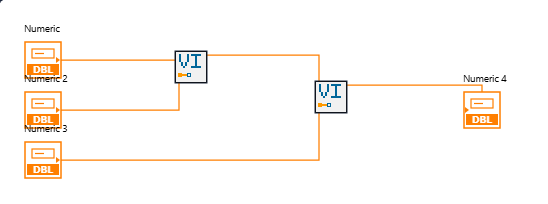
Upload a VI or a whole project. Your agent reads the block diagram, the front panel, the types and the call graph as JSON, over MCP or REST.
The same diagrams open in your browser, and two uploads of a project compare.
By invitation. Reading needs no LabVIEW installed.
How it works
- ApplyAccess is by invitation; approved, you set your password.
- UploadA VI in the browser, or a zipped project through your agent.
- ReadDiagrams in the browser; JSON for your agent; compare versions.
Reads .vi .ctl .vim .llb .lvproj .lvlib .lvclass .lvlibp. Your uploads stay until you delete them, within your storage quota.